Video + voice synced — calibrated cursor

How to register on WakaHire

Each image has ITS voice • Cursor shows exactly where to click • 2 mins • Tunde 🇳🇬

9:16 on phones • Responsive • Tap Auto-play once

Full screen
STEP 01 — HOME
STEP 01 — HOME • SYNCED
Stop applying. Start getting replies.
Watch the cursor — click “Create my free profile” right here.
👆 Watch here
01/06 🔇
▶ 1 image = 1 voice synced to calibrated cursor. 9:16 responsive with centered image (no crop).
Scroll — sound follows the cursor

STEP 01 — HOME
STEP 01 — HOME
Stop applying. Start getting replies.
Watch the cursor — click “Create my free profile” right here.
🔊 Welcome — click the green button. Jobs do not wait.
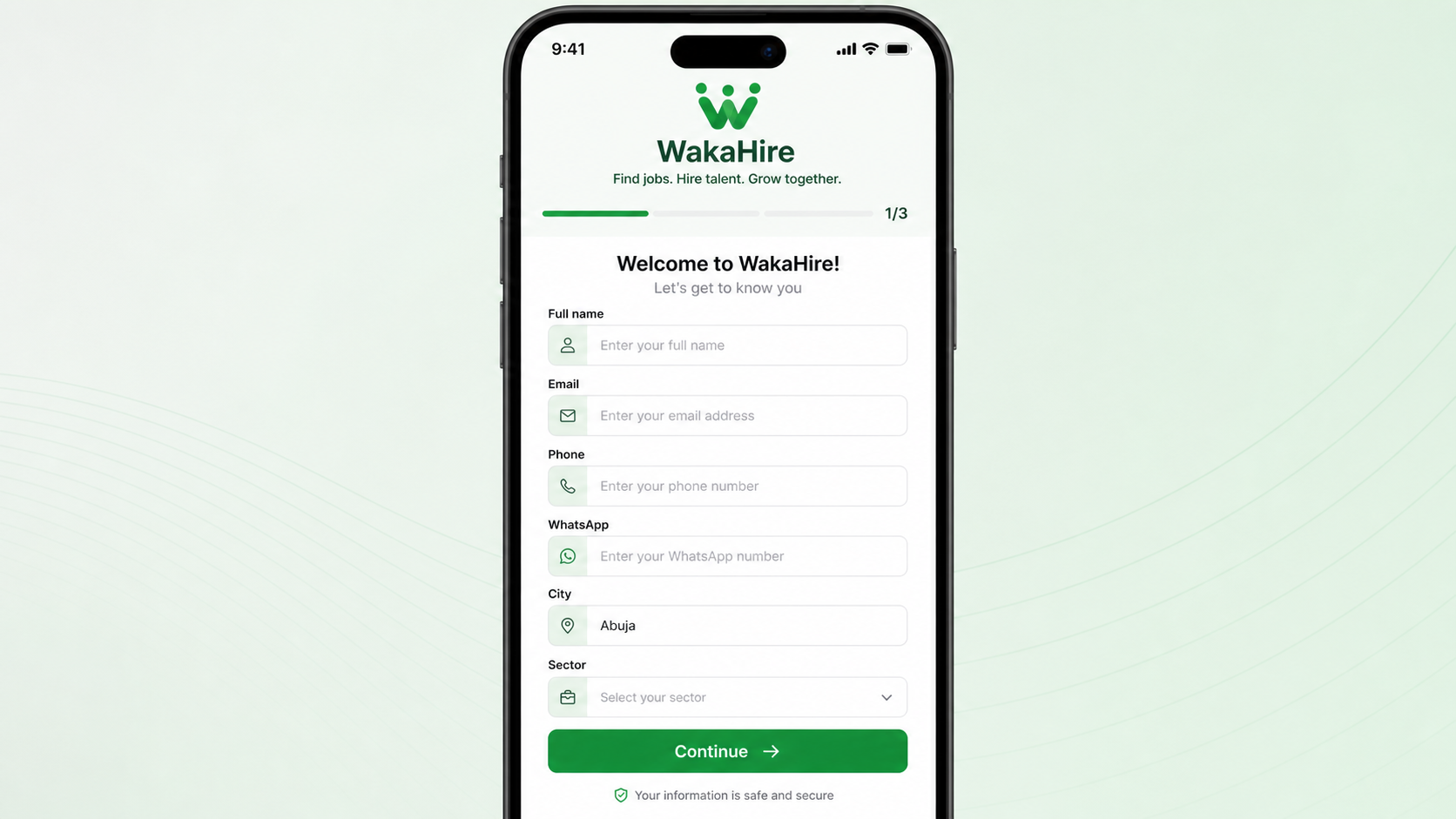
STEP 02 — PERSONAL INFO
Fill your details in 30 seconds.
Follow the cursor — name, email, phone/WhatsApp, city & sector.
🔊 Step Two: Your phone is how recruiters contact you.
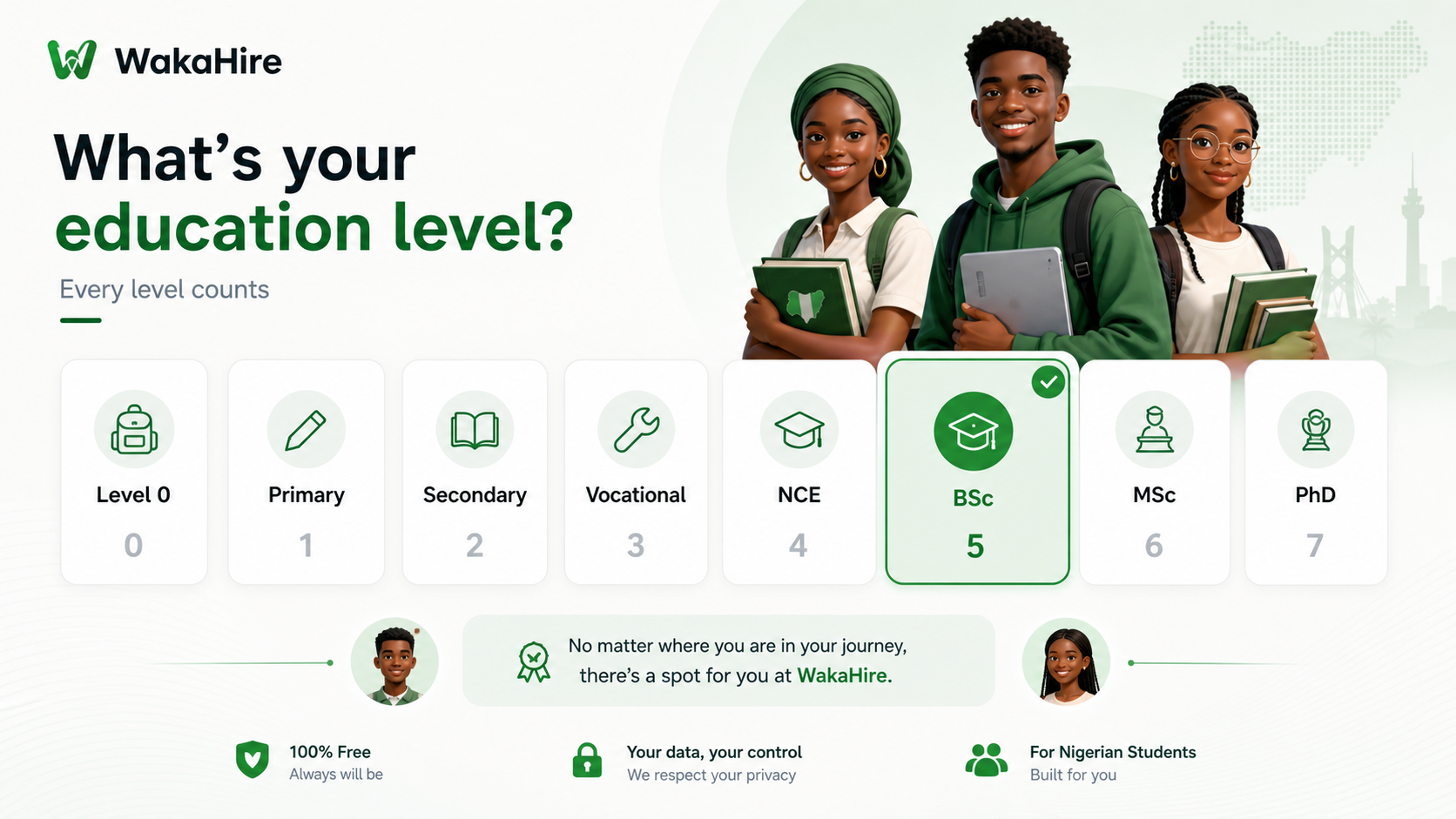
STEP 03 — LEVEL 0 → PhD
Every level counts.
Watch the cursor — Level 0 to PhD, all valid.
🔊 Step Three: Every level from 0 to PhD counts.
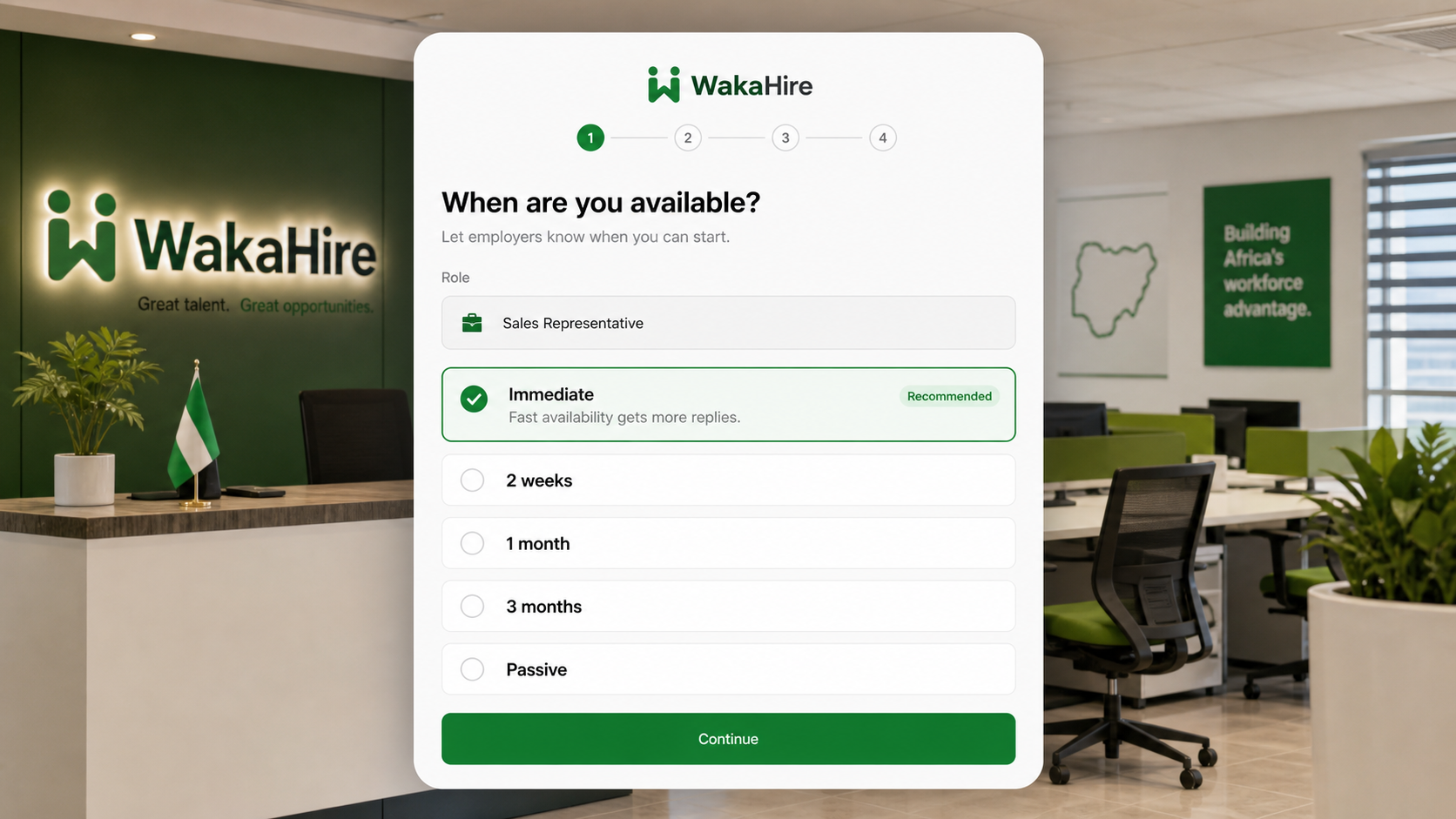
STEP 04 — ROLE & AVAILABILITY
Be honest about availability.
Follow the arrow — Immediate / 2 weeks / 1 month.
🔊 Step Four: Fast availability gets more replies.
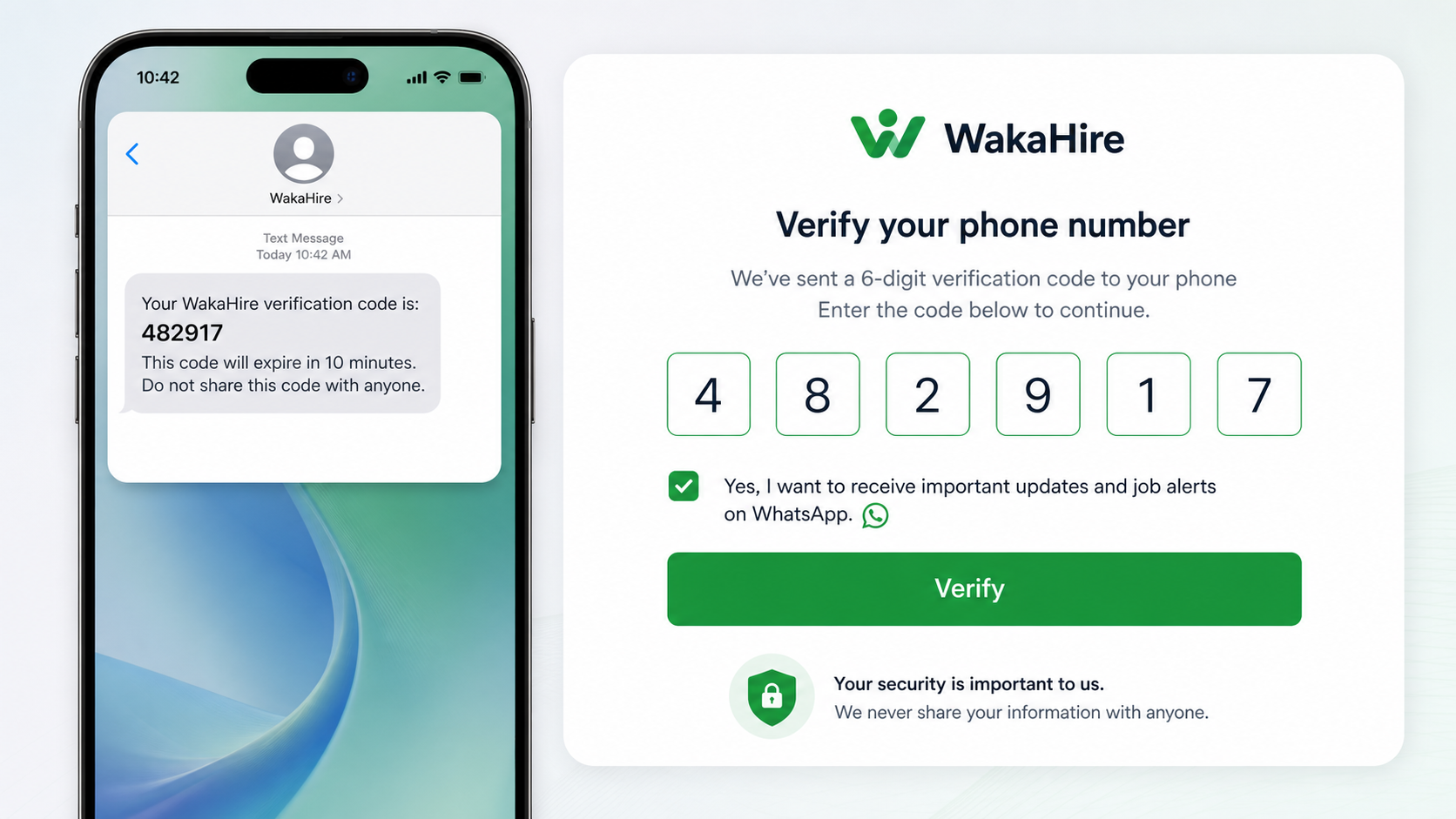
STEP 05 — VERIFY OTP
Verify your phone — 6-digit code.
Look here — enter the code sent by SMS.
🔊 Step Five: Enter the 6-digit code.
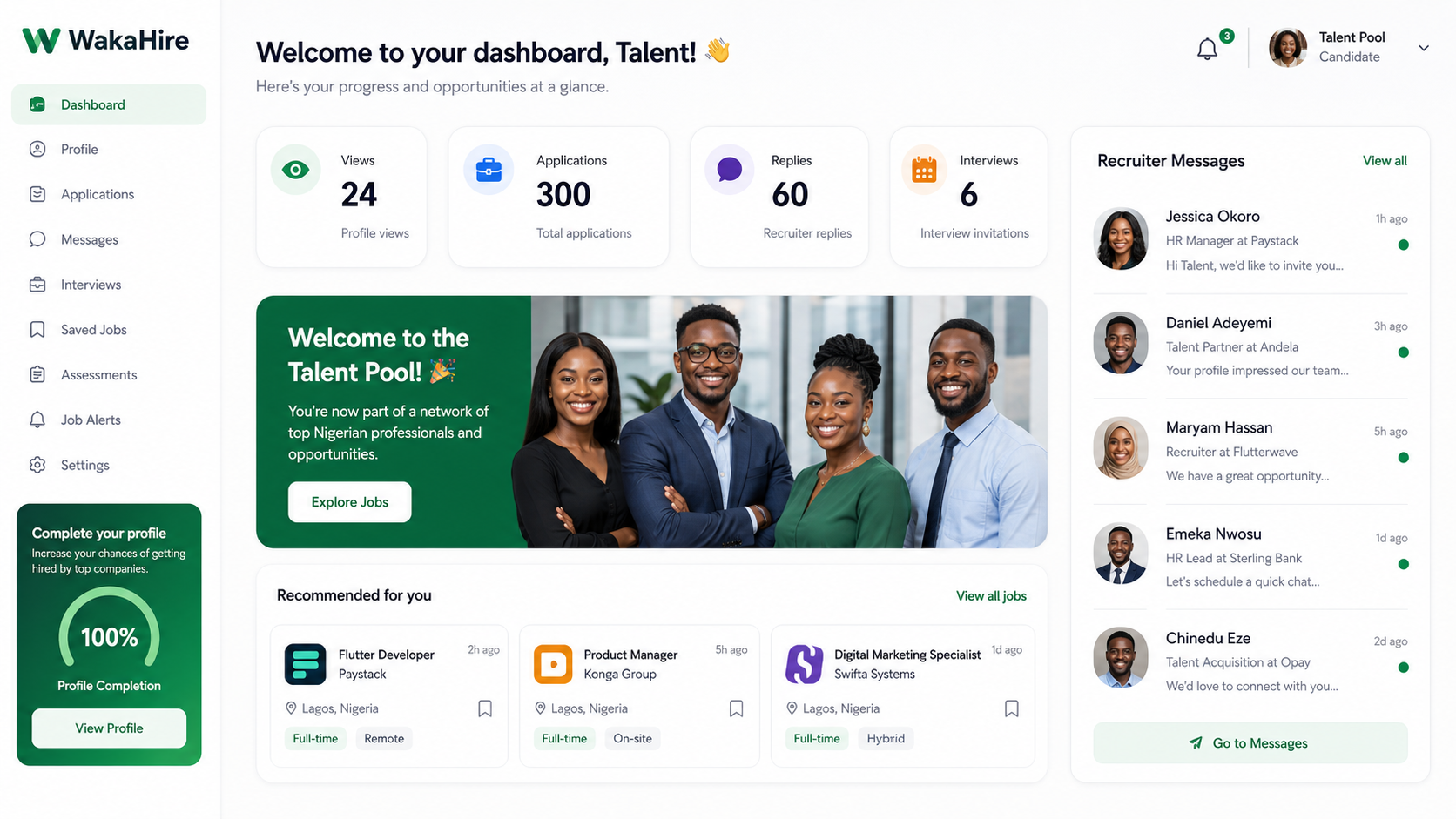
STEP 06 — DASHBOARD
STEP 06 — DASHBOARD
Welcome to your talent pool.
See the cursor — views, applications, replies.
🔊 Step Six: Welcome to your dashboard.